
Payments that keep up with
a full dining room.
Tableside checkout, a kitchen display that talks to the register, and settlement statements a restaurant owner can actually read — that is the short version of what Data Plus sets up for food & beverage.
Where payment processing tends to break
Split checks slow down the floor
When splitting a check or running a card at the table takes an extra trip to the register, tables turn slower and tips take a hit. Handheld terminals keep the transaction where the guest is sitting.
Kitchen and front-of-house run on different systems
A ticket printer that jams, or an order that never makes it to the kitchen display, is a lost table. Payment hardware that pairs cleanly with a KDS removes one more place for that hand-off to break.
Tip reporting and settlement do not match the shift
Servers want to see their tips reconciled by shift, not buried in a monthly total. Owners want the same numbers to tie out to the bank deposit without a spreadsheet in between.
Peak-hour outages have no room for downtime
A terminal that drops connectivity on a Friday dinner rush is not an inconvenience, it is lost revenue and an angry line. Backup connectivity and same-day support matter more here than almost anywhere else.
Configured for your operation
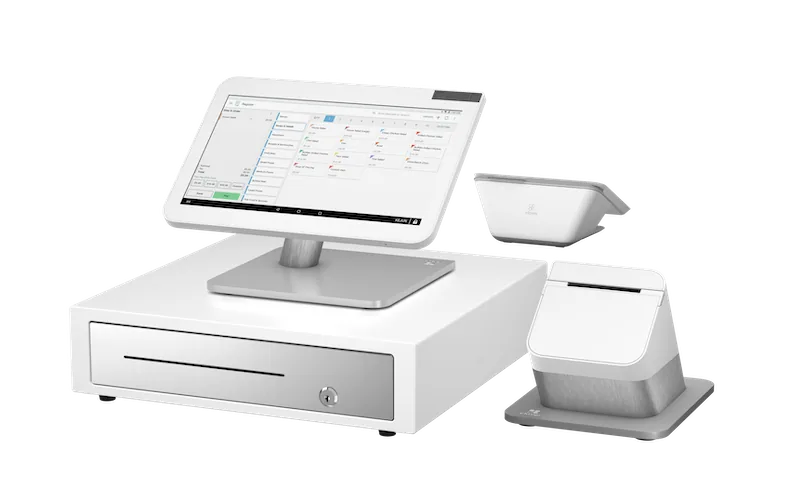
The full-service backbone: dual screens for tip prompts and signatures, an integrated cash drawer, and it pairs with a kitchen display so tickets stop getting lost between the pass and the line.
→ See spec sheet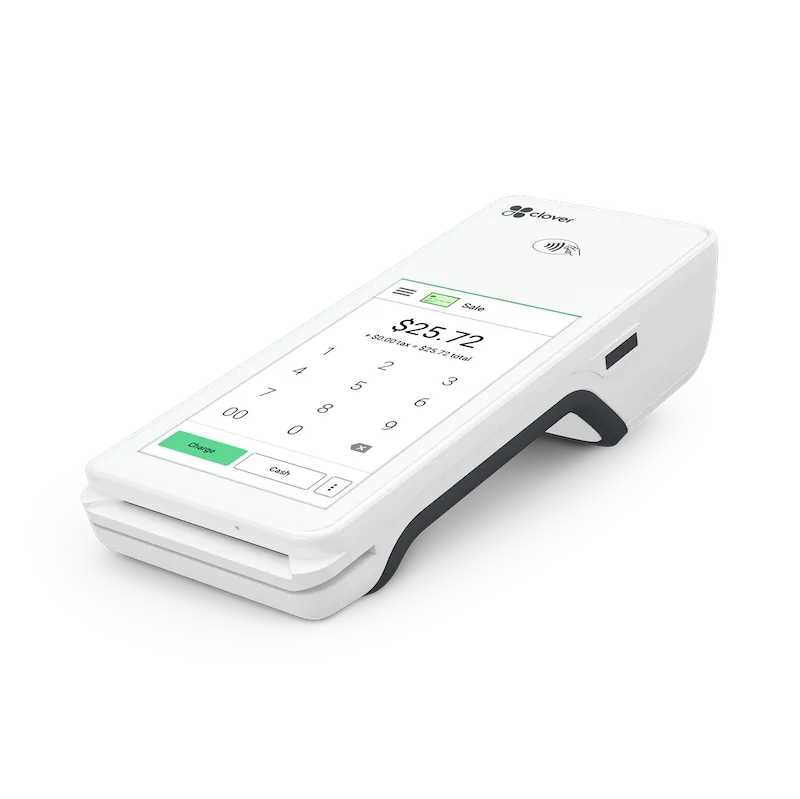
Tableside checkout on a handheld — split a check, run the card, and print the receipt without a trip to the register. Same account and reporting as the counter terminal.
→ See spec sheet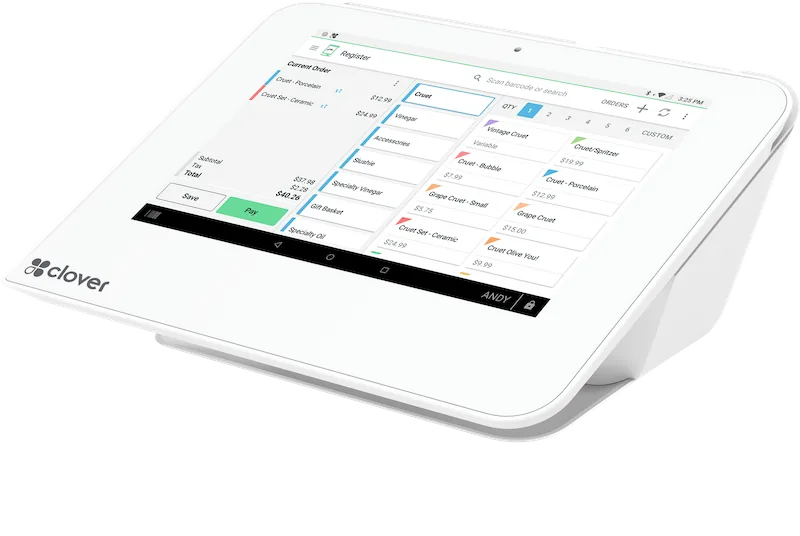
For a counter-service or takeout window that does not need a full dual-screen station — a compact terminal with a built-in printer covers it.
→ See spec sheetConnects to what you already use
 QuickBooks
 Xero
Xero Clover
Frequently asked questions
Can I run a kitchen display (KDS) with Data Plus hardware?
Yes — the Clover Station Duo pairs with a Clover KDS so tickets route from the register straight to the kitchen. Ask for your floor plan to be specced and Data Plus will confirm the exact configuration for your kitchen layout.
Do you support tableside tip prompts?
Yes, both the Station Duo (customer-facing screen) and the Flex (handheld) support on-screen tip prompts before the signature step, so guests see suggested percentages without staff having to ask.
What happens if internet goes down during service?
Terminal connectivity options and offline behavior depend on the specific model and plan — this is exactly the kind of detail that should be confirmed in writing before you commit. Ask for it as part of your quote.
How does tip reporting reconcile with payroll?
Reporting detail and export formats vary by plan and integration. The honest answer depends on your case — Data Plus will lay out exactly what reconciles automatically and what still needs a manual step in your written quote.
Send your floor plan, get a restaurant kit specced.
Counter, tableside, and kitchen display — Data Plus configures the kit for your service style and sends a written quote within 48 hours.